Accessing Other Users Inboxes
You may have a need to access other users Inboxes for the purposes of signing Timesheets, completing Workflow Steps, etc. in their absence. Users can grant you access to their Inbox using the Manage My Information page. You can access another user's Inbox only if they have already granted you access to do so.
Navigation
Inbox
Accessing Other Users Inboxes
If you have been granted access to other users inboxes, you will see an Inbox Selection toolbar at the top of your Inbox page. By default, your Inbox will be selected when you open the Inbox.
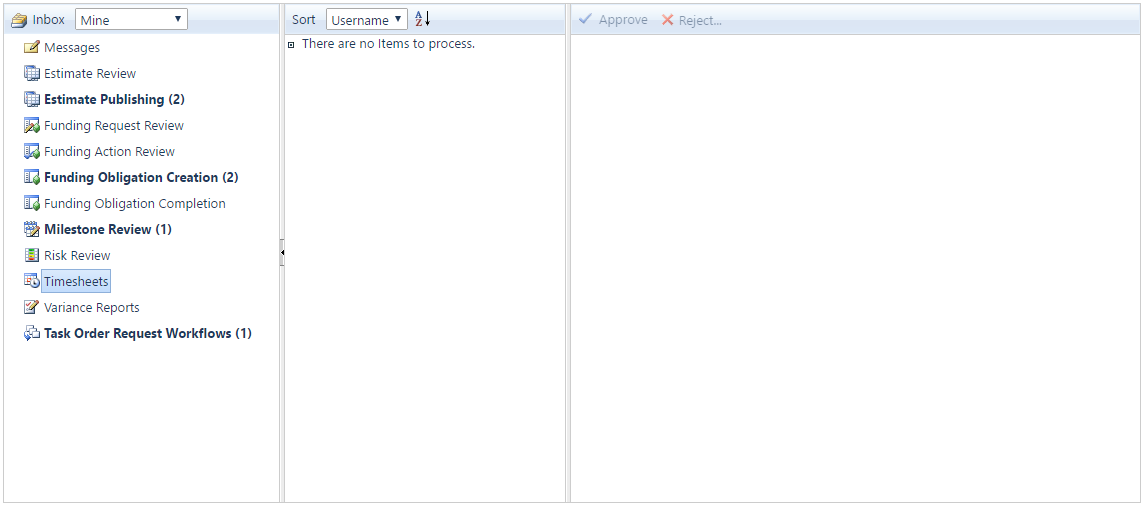
The Inbox Selection Toolbar is visible when you have been granted access to other users Inboxes
How To Access Another Users Inbox
- On the Inbox Selection toolbar, select the User Name from the View Inbox For dropdown list.
- The Inbox for the selected User will be displayed.
How To View Your Own Inbox
- To access your own Inbox, click the View My Inbox button.
Page ID:8788-9501-9206